
Download Vimeo Video - Vimeo Video Downloader
Save Vimeo video in HD and 4K quality, including private password-protected videos.
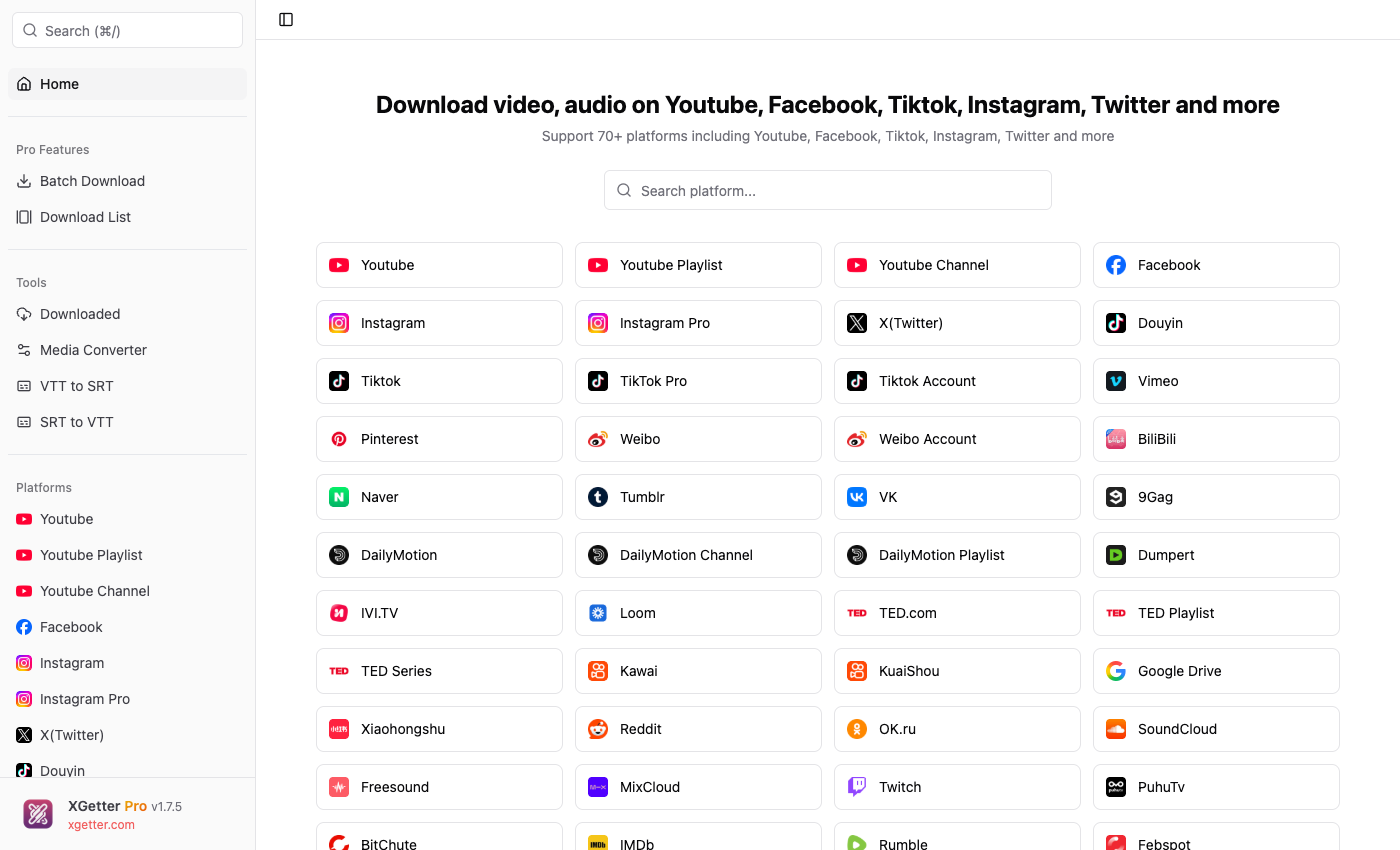
How to Download Vimeo Video
- Copy the Vimeo video URL from your browser (e.g.,
vimeo.com/123456789) - Open XGetter and paste the URL
- If the video is password-protected, enter the password when prompted
- Click Get Video to fetch available formats
- Select HD, Full HD, or 4K quality and click Download
Private Video with Password Support
XGetter handles password-protected Vimeo videos. Enter the video password and XGetter will unlock and download the content in full quality.
HD and 4K Downloads
Save Vimeo videos in their original upload quality — from 720p up to 4K. Vimeo is known for high-quality content, and XGetter preserves that quality.
Multiple Format Options
Choose between various video formats and resolutions. Download video with audio or extract audio-only tracks from Vimeo content.
FAQ
How to download Vimeo video in HD?
Paste the Vimeo URL into XGetter, then select the HD (1080p) or 4K option from the quality list before downloading.
Can I download private Vimeo videos?
Yes, if you have the video password. XGetter supports password-protected Vimeo videos — enter the password when prompted to access the download.
How to save Vimeo video to computer?
Copy the Vimeo video URL, open XGetter, paste the link, select your preferred quality, and click Download to save it to your computer.
Does it support Vimeo embedded videos?
Yes. If you can find the Vimeo video URL (even from an embed), XGetter can download it. Look for the Vimeo ID in the embed code.
Download XGetter
Start downloading Vimeo videos in HD today: