
Download TikTok Video Without Watermark
Want to download TikTok videos without watermark? XGetter is the best desktop tool to save TikTok videos in original HD quality — completely watermark-free.
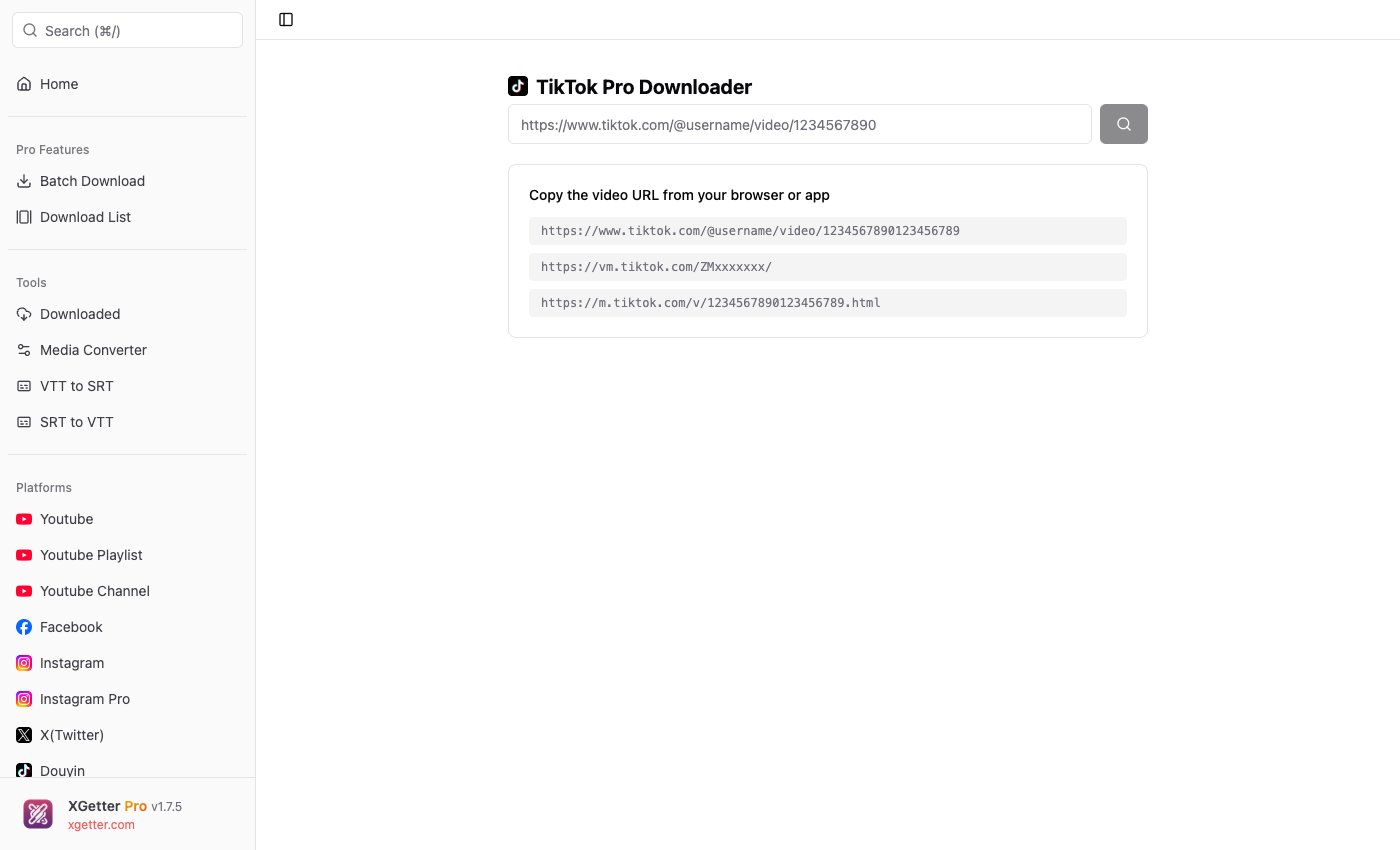
How to Download TikTok Video Without Watermark
- Open TikTok and find the video you want to download
- Copy the video link (tap Share → Copy Link)
- Paste the link into XGetter
- Download — the video saves without any watermark!
Why XGetter is the Best TikTok Video Downloader
No Watermark
Unlike other tools, XGetter downloads the original TikTok video without the TikTok watermark. You get a clean, high-quality video file.
HD Quality Download
Download TikTok videos in their original resolution — up to 1080p Full HD or even 4K for supported videos.
Download TikTok Audio / Music
Extract just the music or audio from TikTok videos. Perfect for saving trending sounds and songs.
Batch Download from TikTok Accounts
With XGetter Pro, you can download all videos from a TikTok account at once. Save entire profiles with a single click.
Download TikTok Slideshows
XGetter supports downloading TikTok photo slideshows as video files, preserving the original content.
Supported TikTok URL Formats
XGetter accepts all types of TikTok URLs:
https://www.tiktok.com/@username/video/1234567890https://vm.tiktok.com/ZMxxxxxxx/https://m.tiktok.com/v/1234567890.html
Frequently Asked Questions
Can I download TikTok videos without watermark for free?
Yes! XGetter lets you download TikTok videos without watermark completely free. No sign-up required.
How to download TikTok videos on PC?
Install XGetter on your PC or Mac, paste the TikTok video URL, and click download. The video saves to your computer without watermark.
Can I download private TikTok videos?
With XGetter Pro's cookie feature, you can download videos from private accounts that you have access to.
Does it work with TikTok Lite?
Yes! Any TikTok URL works — whether from the main app, TikTok Lite, or the web version.
Download XGetter Now
Start downloading TikTok videos without watermark today: