
Download Twitch Clip & VOD - Twitch Video Downloader
Download Twitch clips and VODs in full HD quality using XGetter.
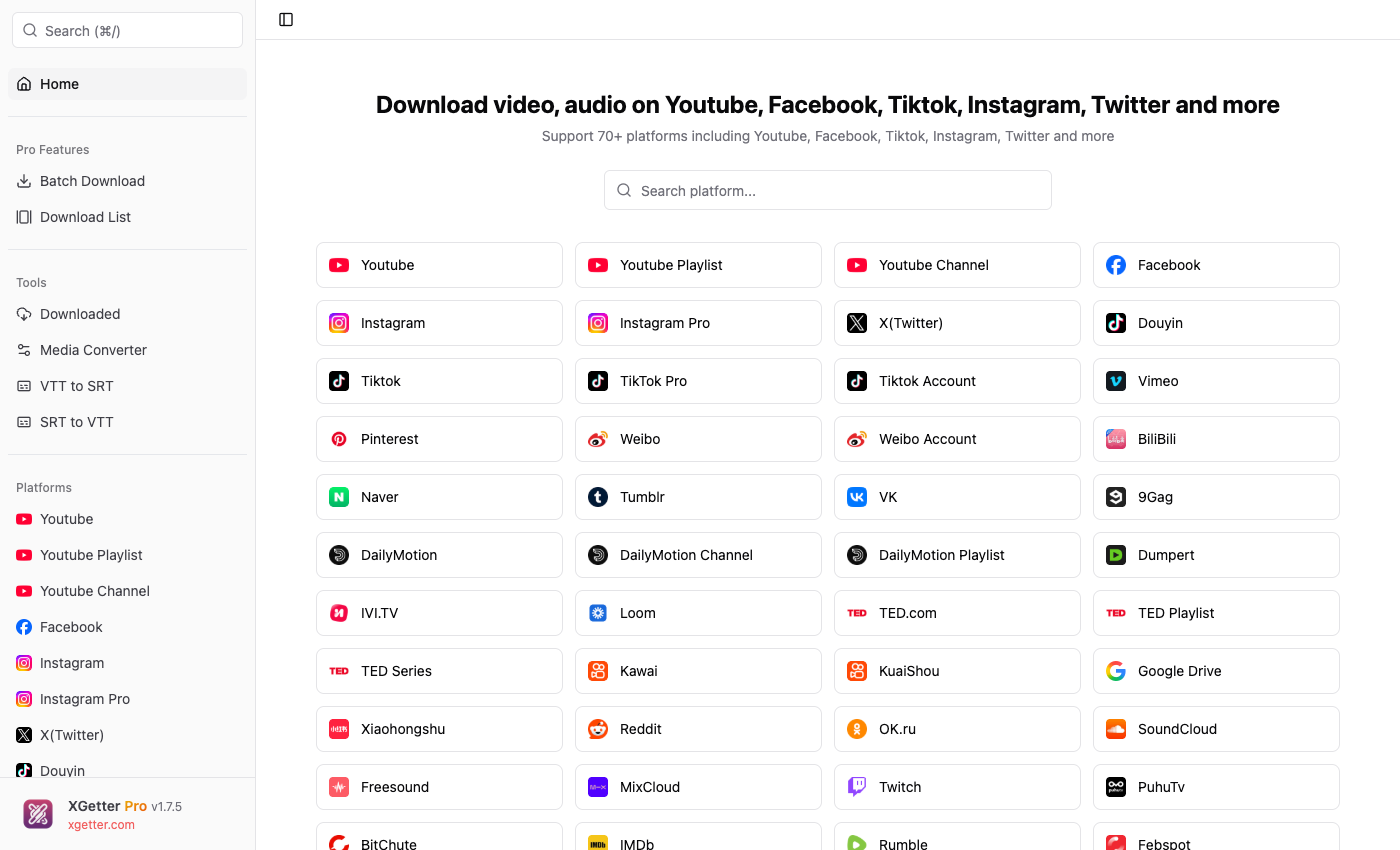
How to Download Twitch Clips and VODs
- Copy the Twitch clip or VOD URL from your browser
- Open XGetter and paste the URL
- Click Get Video to fetch video details
- Select quality (source, 1080p, 720p, etc.)
- Click Download to save the video
Clip Downloads
Download any Twitch clip instantly. XGetter grabs the full-quality source file so you get the best possible version of every clip.
VOD and Past Broadcast Support
Save entire Twitch VODs and past broadcasts before they expire. Download hours-long streams in source quality with a single URL.
Highlight Downloads
Download Twitch highlights that streamers have saved to their channel. Preserve your favorite moments in original quality.
FAQ
How to download Twitch clips?
Copy the Twitch clip URL (e.g., clips.twitch.tv/ClipName or twitch.tv/channel/clip/ClipName), paste it into XGetter, and click Download.
Can I download Twitch VODs?
Yes. Paste the VOD URL (e.g., twitch.tv/videos/123456) into XGetter to download the full past broadcast in source quality.
How to save Twitch stream after it ends?
If the streamer has VODs enabled, copy the VOD URL from their channel's Videos tab and paste it into XGetter to download.
Does it support subscriber-only VODs?
Subscriber-only or restricted VODs may require authentication via cookies. Set up cookies in XGetter settings to access restricted content.
Download XGetter
Start downloading Twitch clips and VODs today: