
Download Pinterest Video - Pinterest Video Downloader
Save Pinterest video pins in HD quality with XGetter's fast Pinterest video downloader.
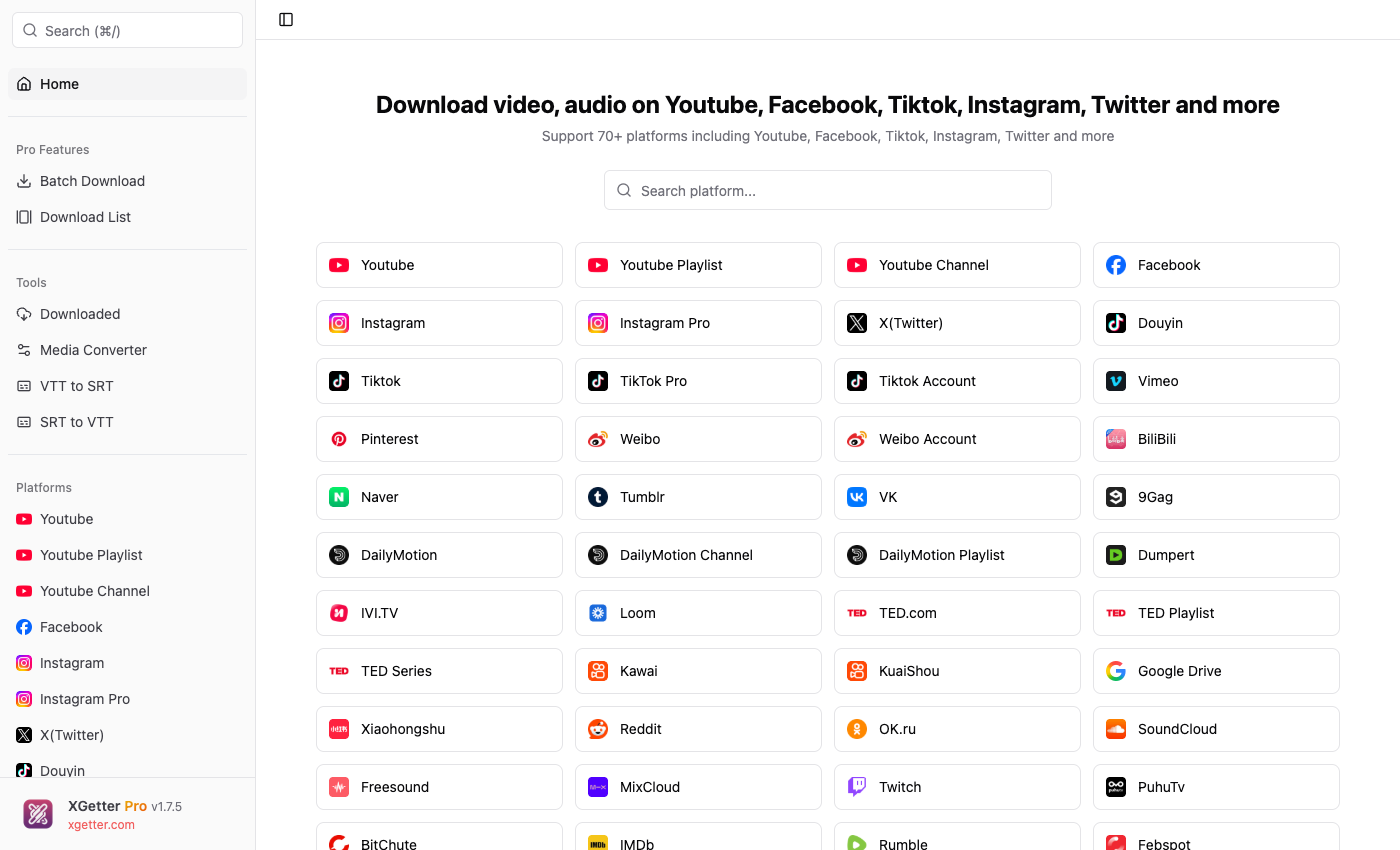
How to Download Pinterest Video
- Open the Pinterest pin and copy the URL from your browser
- Open XGetter and paste the Pinterest pin URL
- Click Get Video to fetch the video
- Select your preferred quality
- Click Download to save the video
Video Pin Downloads
Download any video pin from Pinterest in original HD quality. XGetter extracts the highest resolution version available for each pin.
Board Support
Browse and download multiple video pins from Pinterest boards. Save entire collections of video content efficiently.
Story Pin Support
Download Pinterest Story Pins (Idea Pins) that contain video content. Capture creative content before it becomes harder to find.
FAQ
How to download Pinterest video on PC?
Copy the Pinterest pin URL from your browser, paste it into XGetter, and click Download. The video saves directly to your computer in HD quality.
Can I save Pinterest video without watermark?
Yes. XGetter downloads Pinterest videos in their original quality without adding any watermarks to the saved file.
How to download video from Pinterest pin?
Right-click or tap share on the Pinterest pin to copy its URL. Then paste the URL into XGetter and click Get Video to start the download.
Does it work with Pinterest Idea Pins?
Yes, XGetter supports downloading video content from Pinterest Idea Pins (formerly Story Pins) as well as standard video pins.
Download XGetter
Start downloading Pinterest videos today: