
Download Bilibili Video - Bilibili Video Downloader
Save Bilibili video in HD quality with full multi-part video support using XGetter.
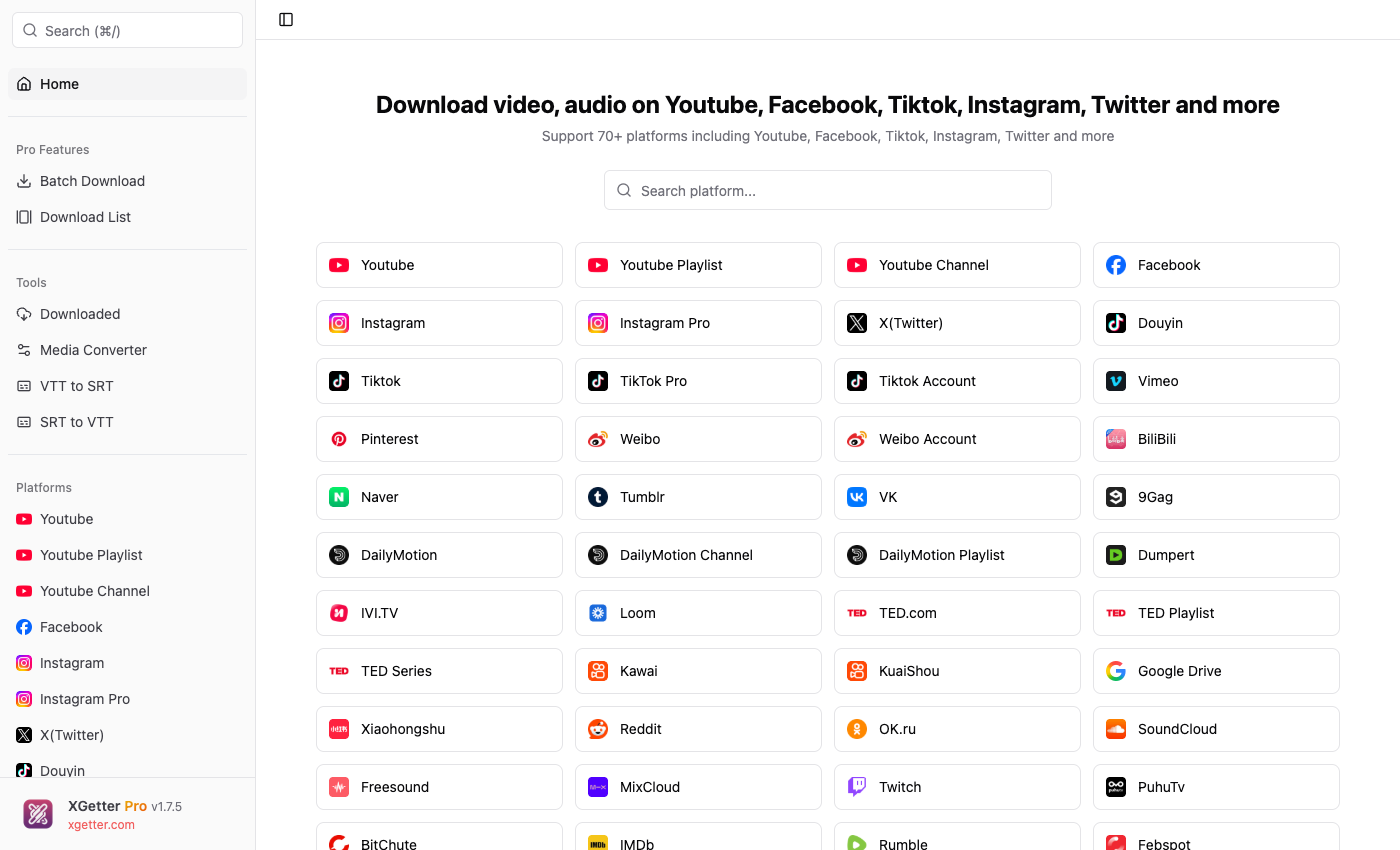
How to Download Bilibili Video
- Copy the Bilibili video URL from your browser (e.g.,
bilibili.com/video/BVxxxxxx) - Open XGetter and paste the URL
- Click Get Video to fetch video details
- Select video quality and format
- Click Download to save the video
Multi-Part Video Support
Bilibili videos often contain multiple parts (P1, P2, P3...). XGetter detects all parts automatically and lets you download individual parts or the entire series in one batch.
HD and 4K Quality
Download Bilibili videos in up to 4K resolution when available. XGetter fetches the highest quality stream accessible for each video.
Audio Extraction
Extract audio tracks from Bilibili videos and save them as separate audio files for music or podcast content.
FAQ
How to download Bilibili video in 1080p?
Paste the Bilibili URL into XGetter and select the 1080p quality option from the format list. Higher qualities may require login cookies.
Can I download all parts of a Bilibili video?
Yes. XGetter automatically detects multi-part (分P) videos and lets you download all parts at once or select specific episodes.
How to save Bilibili video on PC?
Copy the video URL from bilibili.com, paste it into XGetter, choose your quality, and click Download. The video saves directly to your chosen folder.
Does it work with Bilibili anime and movies?
XGetter supports standard user-uploaded Bilibili content. Region-locked or premium-only content may require authentication via cookies.
Download XGetter
Start downloading Bilibili videos today: